
Squirrel Summary
SQUIRREL SUMMARY
One click sends a YouTube video to Gemini for a summary, or adds the video / a whole channel to NotebookLM.
Uses your own signed-in web apps · No API key · No data collection
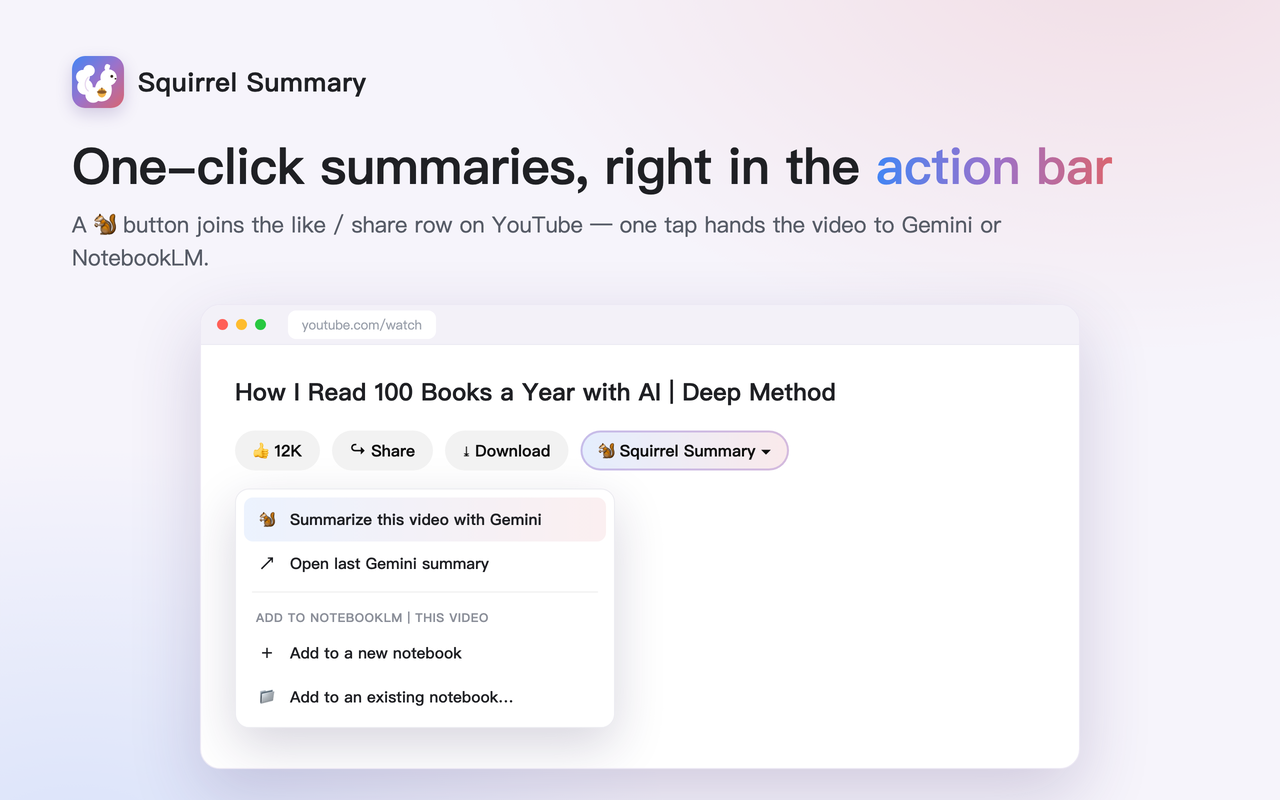
One click sends a YouTube video to Gemini for a summary, or adds the video / a whole channel to NotebookLM.
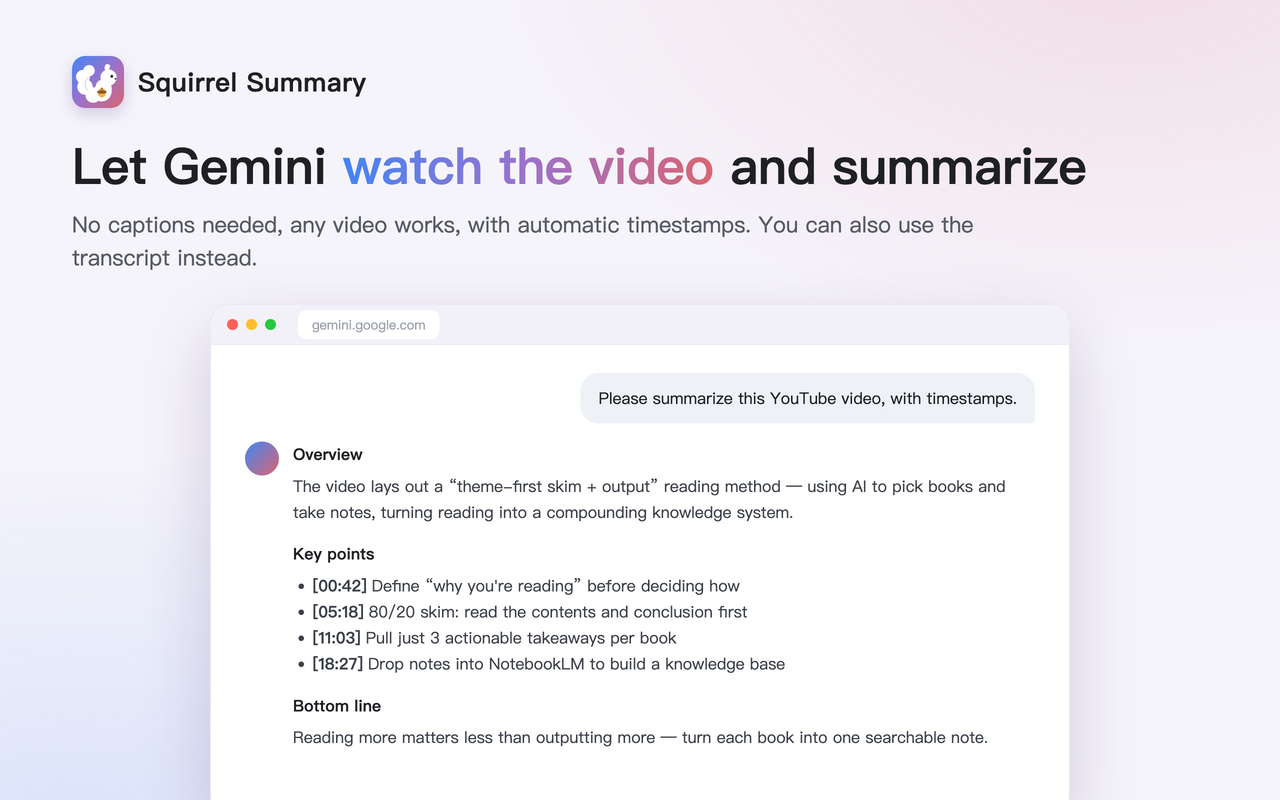
Your signed-in Gemini watches the video and summarizes it — no captions needed, any video works, with automatic timestamps.
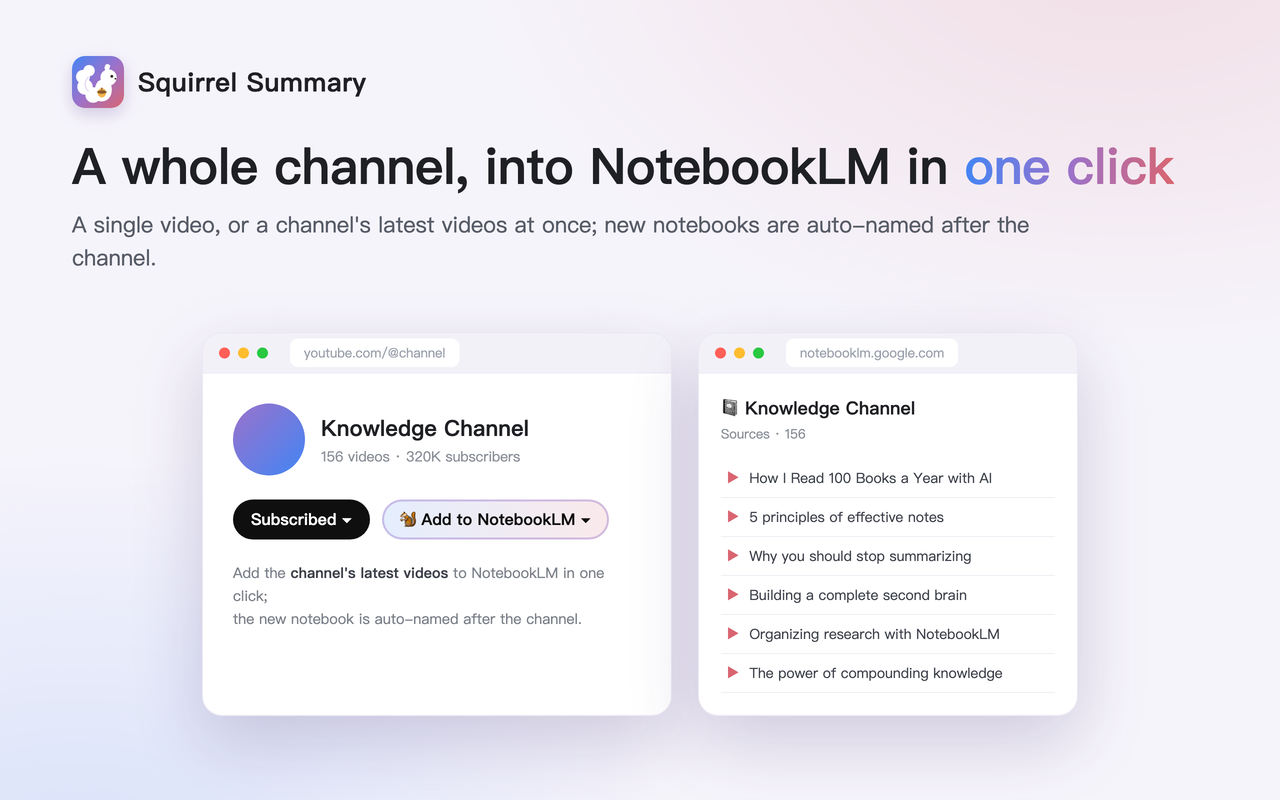
Add a single video, or a whole channel's latest videos at once; a new notebook is auto-named after the channel.
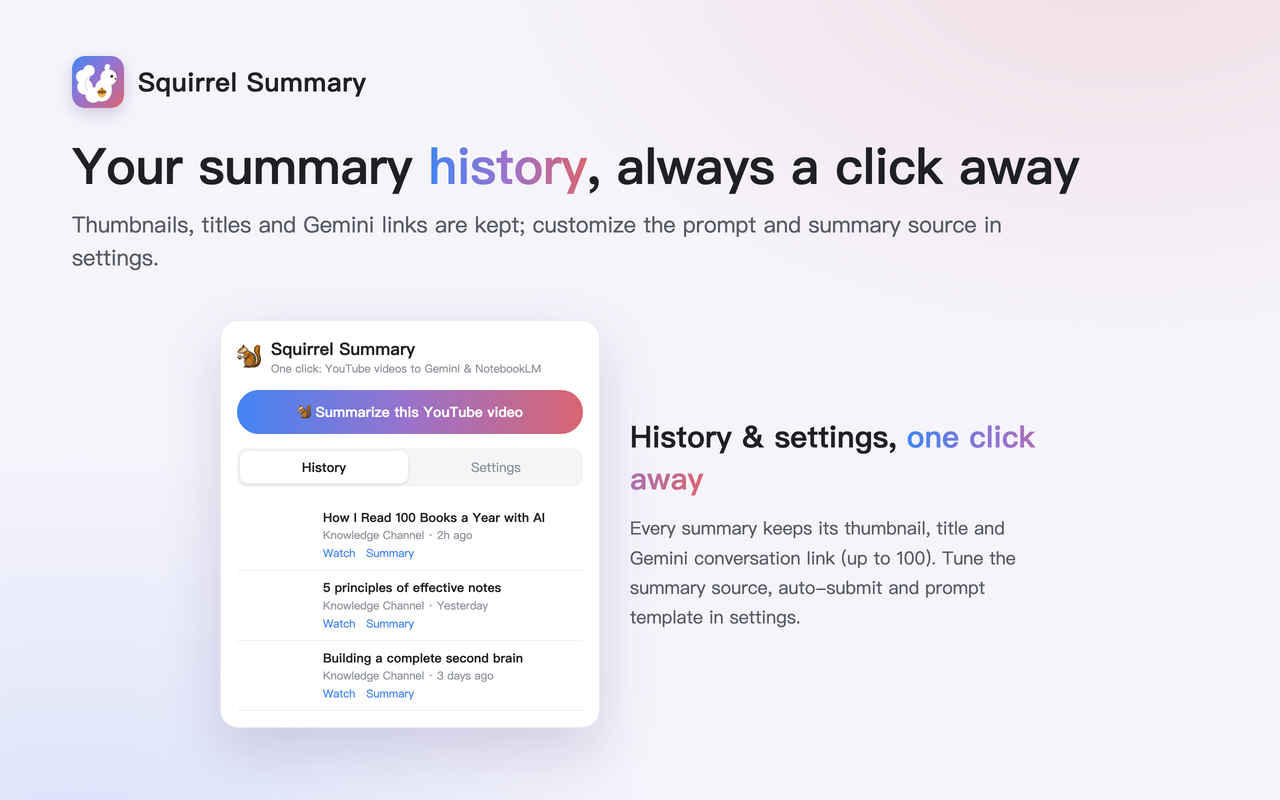
Every summary is saved with thumbnail, title and the Gemini conversation link (up to 100) — one click to revisit.
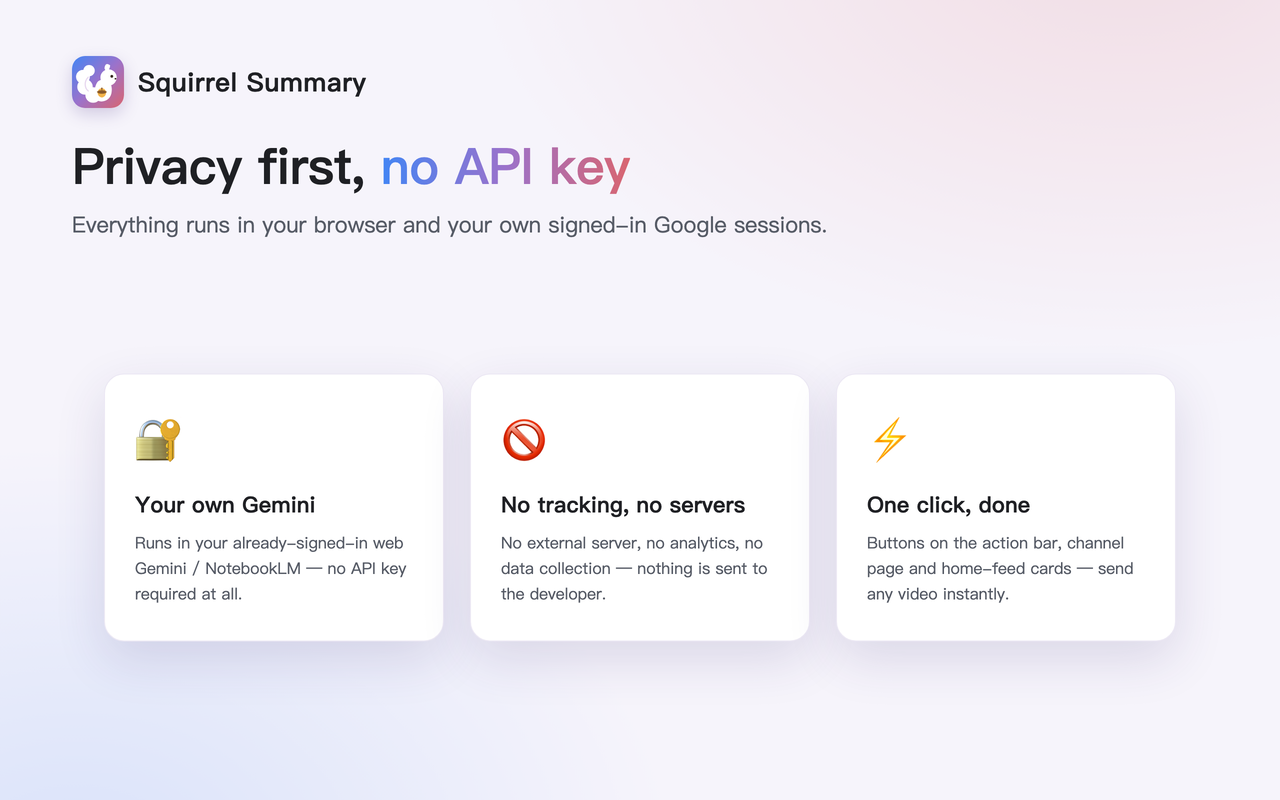
Everything runs in your browser and your own Google sessions — no API key, no tracking, no servers.
Buttons on the video action bar, beside the channel's Subscribe button, and on home-feed cards — send any video instantly.
Switch between watch-the-video / use-the-transcript, auto-submit, timestamps and the prompt template to fit your workflow.
Add to Chrome and sign in to gemini.google.com and notebooklm.google.com.
Click “ Squirrel Summary” on the action bar, or the button on channel pages / home-feed cards.
Choose “Summarize with Gemini” or “Add to NotebookLM” — it does the rest automatically.
Squirrel Summary never sends your data to any external server, and there is no tracking or analytics. Everything happens in your browser and your signed-in Google sessions.
Add to Chrome